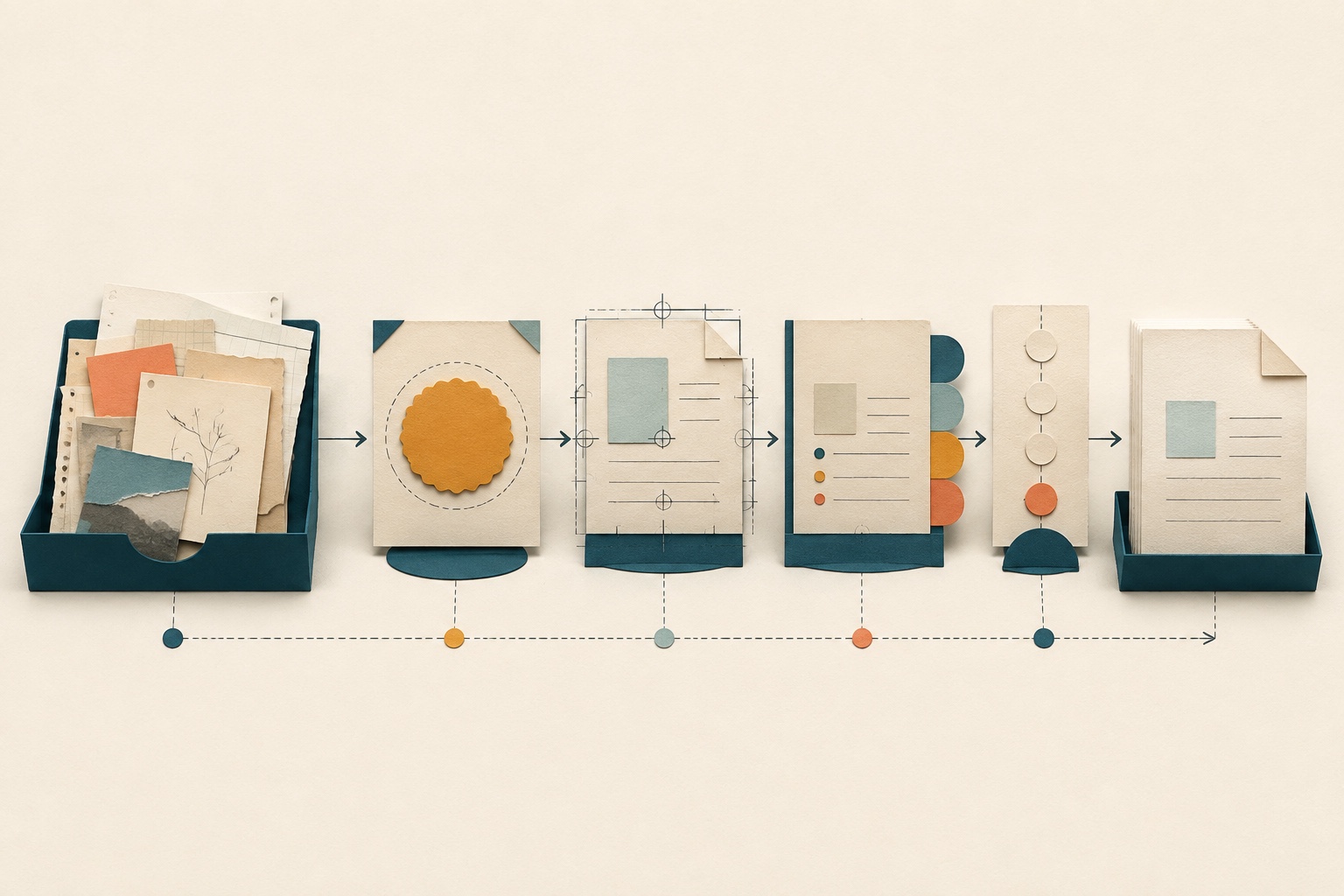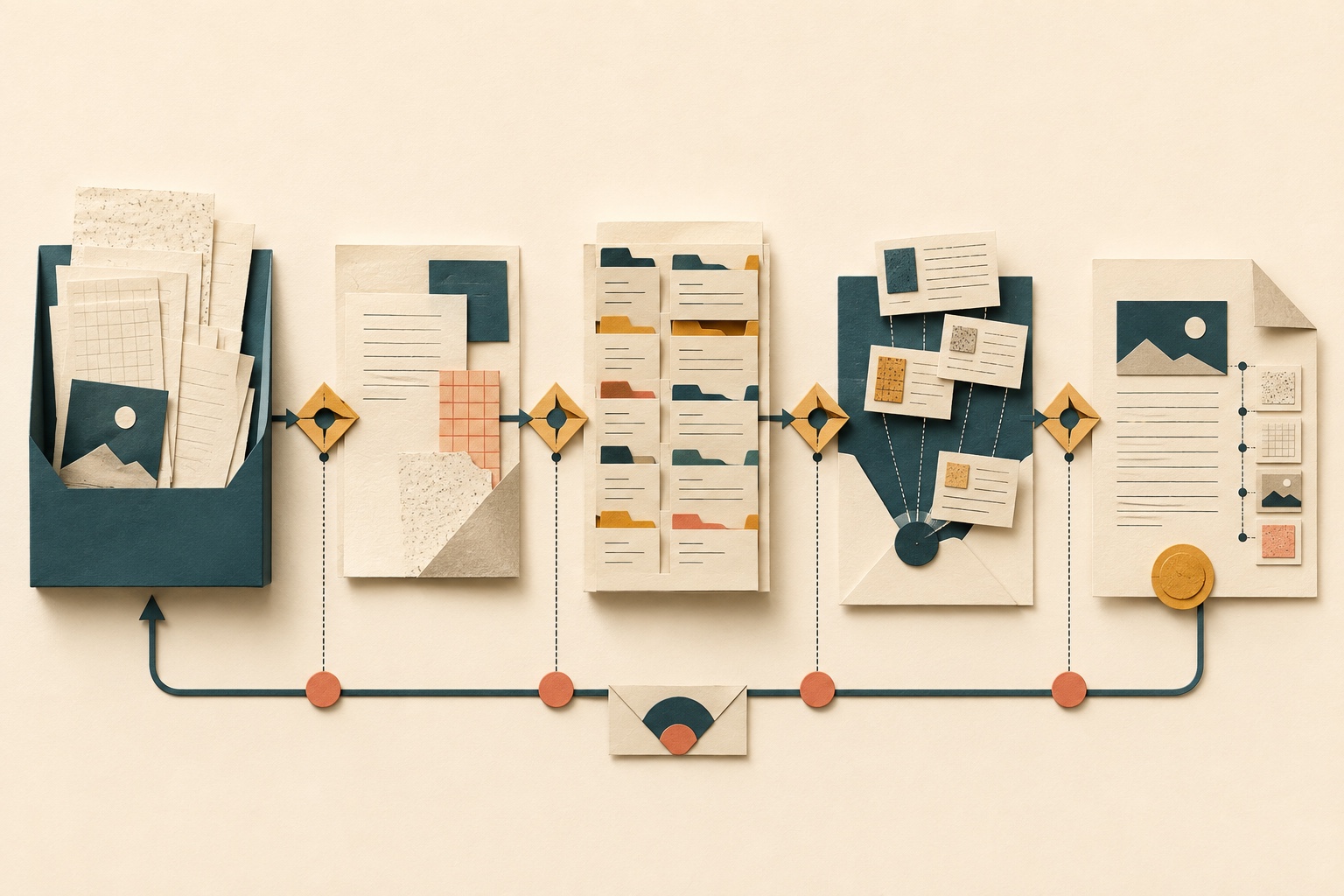
Imagine a client sends you a report with important findings in both the written analysis and a set of charts. ChatGPT may be able to use the text while missing the information held only in the visuals. A successful upload therefore does not prove that the whole document was available to the model.
OpenAI documents visual retrieval for eligible ChatGPT Enterprise routes. On documented text-only routes, embedded PDF images are discarded. The table below explains the difference and shows how to check the material your task depends on. For the wider distinction between attachments and workspace access, see how AI tools access files.
Can ChatGPT read PDFs? The short answer
Three things determine what ChatGPT can use from a PDF:
- Your plan. OpenAI's current FAQ documents PDF visual retrieval for ChatGPT Enterprise and says it is unavailable to plans other than Enterprise on the described surface.
- The attachment path. A PDF stored as GPT Knowledge or a Project File uses text-only retrieval. A PDF attached inside a conversation while using a published GPT or a Project can use visual retrieval when the account is eligible.
- The input layer. A text-extraction route is designed to use machine-readable text. Embedded visuals, charts and image-only scans need visual access to the page image; the sources do not establish automatic OCR or complete capture.
A PDF that uploads successfully may therefore expose its extractable text while leaving embedded images unavailable. The file must also meet ChatGPT's separate file, token, usage and storage constraints, documented in OpenAI's File Uploads FAQ.
PDF handling by plan and attachment path
OpenAI documents the route distinctions in its Visual Retrieval with PDFs FAQ. Use the final column to check the specific content your task depends on.
| Account or plan | Attachment path | Input layer | Documented handling | Reader verification |
|---|---|---|---|---|
| Enterprise | PDF attached in a qualifying ChatGPT conversation | Digitally extractable text | Visual retrieval can use PDF text on the documented surface. Complete capture is not established. | Retrieve a distinctive sentence from an early and a late page, then compare both with the PDF. |
| Enterprise | PDF attached inside a conversation while using a Project or published GPT | Embedded image, graph or diagram | The eligible route can use visual retrieval. Eligibility does not prove that a particular visual was interpreted completely or correctly. | Ask about one labelled visual and compare the answer with the page. |
| Enterprise | PDF stored as a Project File or GPT Knowledge | Digitally extractable text plus embedded visuals | Text-only retrieval applies; embedded images are discarded. | Test one text passage and one labelled visual separately. |
| Plans other than Enterprise | PDF attached on the surface described by the FAQ | Digitally extractable text plus embedded visuals | PDF visual retrieval is documented as unavailable; document retrieval is text-based and embedded images are discarded. | Test a distinctive text passage; do not assume a correct answer about a visual came from the page image. |
| Any documented text-only PDF route | Scan with a usable machine-readable text layer | OCR-produced text layer plus page image | The text layer may provide extractable text; the page image is discarded. The sources do not establish OCR quality or complete extraction. | Compare a sentence from the extracted result with the visible scan. |
| Any documented text-only PDF route | Image-only scanned page | Page image with no machine-readable text layer | Text extraction has no text layer to use and the image is discarded. The sources do not establish automatic OCR on this route. | Ask about a distinctive item on the page and treat inability or uncertainty as a reason to change the input or route, not proof of why it failed. |
PDF text and PDF visuals are different inputs
A PDF file can contain several distinct layers of content:
- Digitally extractable text. The text layer that was generated when the document was created or exported. This is what a text-extraction route reads.
- Embedded visuals. Images, charts, diagrams or graphs that are embedded in the PDF as image objects.
- Image-only scanned pages. Pages that are photographs or scans of paper, with no machine-readable text layer.
- Scans with a text layer. Scans that have been processed by OCR to add a machine-readable text layer beneath the image.
On OpenAI's documented text-only routes, machine-readable text is the available input and embedded images are discarded. A scan with an OCR-produced text layer may therefore provide extractable text, but the cited sources do not promise its quality or complete capture. An image-only page has no text layer for text extraction to use. On an eligible visual-retrieval route, the system can interpret PDF text and embedded visuals, but that capability is not a guarantee about every item.
The distinction matters because a PDF that looks complete to a human reader may place important information in a chart or diagram that the documented text-only route discards.
For more on the difference between what a human sees on a page and what a machine can read from the file structure, see understand visible pages versus machine-readable PDF layers.
What changes by ChatGPT plan and attachment path
OpenAI's current PDF visual-retrieval documentation establishes the following route distinctions:
- Enterprise, PDF attached in a qualifying conversation: the eligible route can use visual retrieval for text and embedded images, graphs and diagrams.
- Enterprise, PDF as GPT Knowledge or Project File: text-only retrieval. Embedded images are not interpreted.
- Plans other than Enterprise: the FAQ says PDF visual retrieval is unavailable on the described surface; the documented retrieval is text-based.
The attachment path matters even within the same plan. An Enterprise PDF stored as a Project File uses text-only retrieval. Attaching the PDF inside a qualifying conversation can make visual retrieval available. The route changes the documented handling; it does not establish that every element will be captured or understood.
For general file upload constraints that apply regardless of PDF-specific handling, see check current ChatGPT file-upload limits.
Scanned PDFs, OCR text layers and image-only pages
A scanned PDF is a PDF whose pages are images of paper. If the scan was processed with OCR, there is a machine-readable text layer beneath the image. If it was not, the page is image-only.
On a documented text-only route:
- A scan with a usable text layer may provide extractable text. The page image is discarded, and complete or accurate extraction is not guaranteed.
- An image-only scan has no machine-readable text layer for text extraction to use. Its page image is discarded on that route.
On an eligible Enterprise visual-retrieval route, the system can interpret the page image as visual input. That is not an OCR guarantee and does not establish complete or correct interpretation.
OpenAI does not document an OCR guarantee for any plan. If an image-only scan is being handled through the documented text-only route, obtain an authorised text-based version or use an eligible route that can inspect page images, then verify the result. Do not assume that changing route or format will preserve every detail.
Charts, tables and embedded images
Charts and embedded images create an important visibility gap. On the documented text-only PDF route, embedded images are discarded. Surrounding machine-readable text may still be available, but that does not expose the values or relationships encoded only in an image.
OpenAI's Enterprise documentation describes different handling routes for text documents, structured data and images (OpenAI Optimizing File Uploads in ChatGPT Enterprise). In the Enterprise workflow, PDFs added as GPT Knowledge or Project Files use text retrieval, while PDFs attached to eligible conversation prompts can use visual retrieval. PPTX, DOCX, TXT, MD, JSON and XML use text extraction; CSV, XLS and XLSX use structured-data or code-analysis routes; and JPG and PNG use image interpretation. Images embedded in non-PDF documents are not processed in that workflow; the documentation recommends converting a document to PDF when embedded visuals matter.
This guidance is Enterprise-specific. Converting a non-PDF document to PDF can change which documented visual route is available, but it does not guarantee capture, fidelity, correctness or security. Do not generalise the guidance to other plans.
How to test what ChatGPT actually captured
Before relying on the answer, compare a few key passages, visuals and table values with your PDF:
- Ask for a page count. Compare the answer with the file. A mismatch or uncertainty signals a gap, but a correct count does not prove that every page was read.
- Retrieve a distinctive sentence from an early page and a late page. Ask for each passage separately and compare it with the original. A miss may indicate unavailable or poorly captured text; a match proves only that passage.
- Ask about one labelled visual. Name the page and label, then compare the answer with the image. An answer may come from surrounding text or prior context, so it is not proof that the route inspected the visual.
- Check one table value against the source. Ask for a specific value and its row and column labels. Verify all three against the PDF.
- Request uncertainty or missing-page disclosure. Ask which pages, sections or elements were unavailable or uncertain. Treat the response as a prompt for your own checks, not a completeness certificate.
If the test reveals gaps, do not rely on that interaction for the missing material. An eligible route or an authorised alternative format may improve visibility, but run the test again rather than assuming it did.
Why an accepted PDF can still yield incomplete answers
OpenAI's upload constraints establish whether a file meets documented technical limits. They do not provide a universal completeness figure for every page, relationship or answer. An accepted file can therefore still produce an incomplete or incorrect response.
For a long PDF or several documents, ask focused questions about named pages or sections and compare important outputs with the originals. Splitting an authorised working copy may make verification easier, but it creates a different input and does not prove the omitted context is irrelevant.
Check the exact PDF version before AI use
A PDF's visible pages and machine-readable content may expose different material to an AI workflow. Confirm that you can use the document with your chosen service, and check for prompt-injection signals before adding it to project context.
.mdSiren checks document versions for supported prompt-injection and document-borne risks, returns Approved, Needs review or Quarantine, and keeps the current eligible Approved copy ready for retrieval. A revised or re-exported PDF needs its own check.
See the document checkpoint, or Coming soon. Its decisions cover the reported checks, not OCR or what ChatGPT captured. Compare important answers with the source.
Frequently asked questions
Can ChatGPT read a scanned PDF?
It depends on the route, plan and file. On the documented text-only route, a usable machine-readable text layer may provide extractable text; an image-only page has no such layer and its image is discarded. An eligible Enterprise visual-retrieval route can inspect the page image, but OpenAI does not document universal OCR or complete capture.
Can ChatGPT read charts in a PDF?
OpenAI documents chart and diagram interpretation through eligible Enterprise PDF visual retrieval. Its documented text-only PDF route discards embedded images. Neither route guarantees that every chart value or relationship will be read correctly, so compare the answer with the PDF.
Why did ChatGPT ignore images in my PDF?
One possibility is that the PDF followed a documented text-only path. PDFs stored as Project Files or GPT Knowledge use text-only retrieval, and the FAQ says visual retrieval is unavailable to plans other than Enterprise on the described surface. Confirm the plan and attachment path; the symptom alone does not prove which route handled the file.
Can ChatGPT summarise a long PDF?
It can produce a summary from an accepted PDF, but acceptance does not establish that every relevant detail was used or interpreted correctly. Ask about specific sections, run the verification checks above and confirm consequential points against the source.
Does uploading a PDF mean every page was processed?
No. Upload success shows that the attempt passed enough technical checks to be accepted; it does not prove complete extraction or interpretation. Plan, attachment path and input layer affect documented handling. Use the verification test, while recognising that it cannot certify completeness.
Does it matter whether the PDF is a Project File or attached in a conversation?
Yes. OpenAI says a PDF stored as a Project File or GPT Knowledge uses text-only retrieval. A PDF attached within a conversation while using a published GPT or within a Project conversation can use visual retrieval when the account is eligible. That eligibility still does not guarantee complete interpretation.